How to Set Up Back-in-Stock Notifications on Shopify (Free & Paid)
- What Is a Shopify Back-in-Stock Notification?
- Why Should You Add Back-in-Stock Alerts to Your Shopify Store?
- Does Shopify Have Built-in Back-in-Stock Notifications?
- How to Set Up Shopify Back-in-Stock Notifications for Free
- How to Set Up a Shopify Back-in-Stock Notification App
- Free vs. Paid Shopify Back-in-Stock Notifications: Which Should You Choose?
- Common Shopify Back-in-Stock Notification Mistakes to Avoid
- Best Shopify Back-in-Stock Notification Apps to Consider
- FAQs About Shopify Back-in-Stock Notifications
- The Bottom Line
How many sales disappear simply because a product is temporarily out of stock? A shopify back in stock notification can bring interested shoppers back when inventory returns, turning missed purchases into completed orders. Shopify stores can set up these alerts through built-in features, apps, or third-party tools, with both free and paid options available. The right setup depends on store needs, budget, and desired automation. Let’s explore how to set up back-in-stock notifications on Shopify.
What Is a Shopify Back-in-Stock Notification?
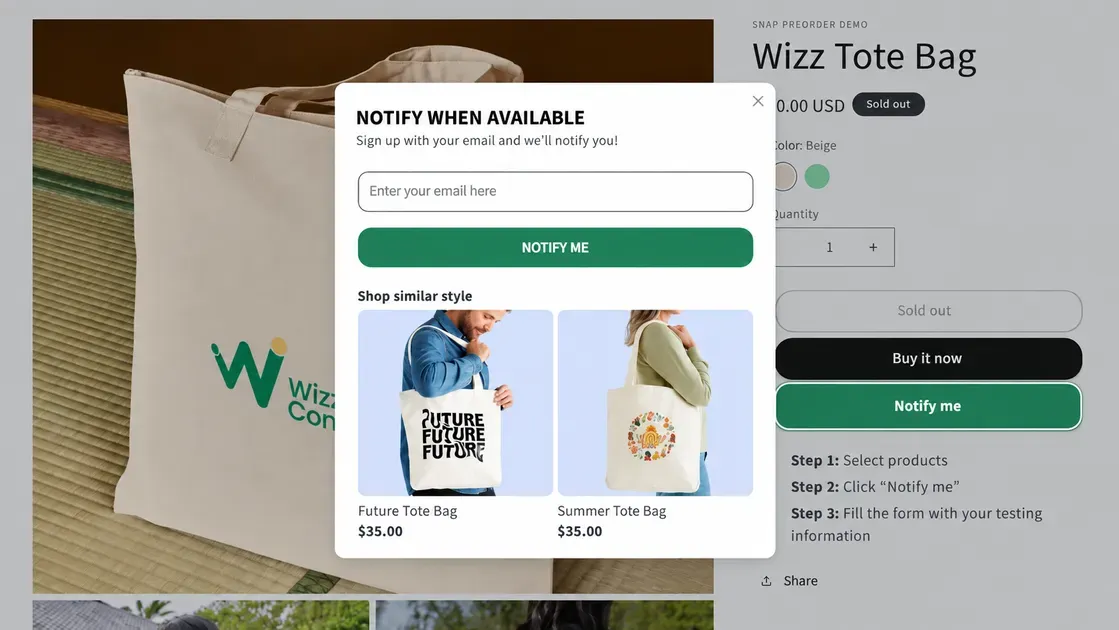
A Shopify back-in-stock notification alerts shoppers when an unavailable product or variant becomes available again. It gives interested customers a way to request an alert instead of leaving the store and searching elsewhere. The Shop app lets customers notify when back-in-stock Shopify products become available again through push notifications.
A typical shopify back in stock notification setup works through three steps:
A shopper enters an email address or subscribes to an alert.
The system monitors the selected product variant’s inventory.
The shopper receives an email, SMS, or push alert after the item becomes available.
Shopify’s standard notification settings do not provide a dedicated customer back-in-stock alert. Stores can use the Shop app or a specialized back in stock app Shopify to create this experience. Shopify Flow can also respond to inventory changes and support automated workflows.
Why Should You Add Back-in-Stock Alerts to Your Shopify Store?
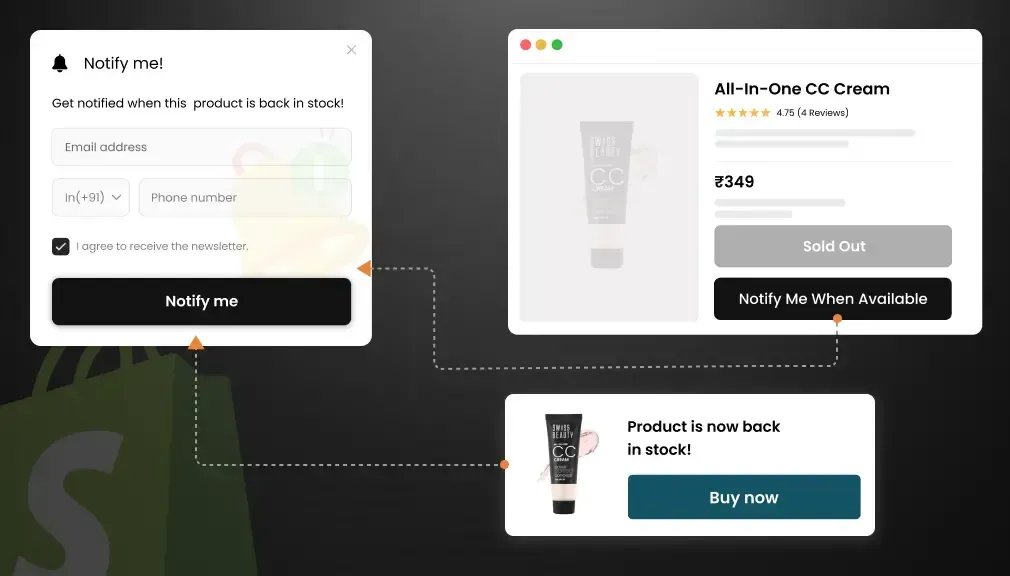
An out-of-stock item does not always mean a lost customer. A restock alert Shopify feature can help recover sales by bringing interested shoppers back when inventory returns. Here are the key reasons to add this app:
Recover missed sales: Back-in-stock alerts bring shoppers back when popular products become available. This gives interested buyers another chance to complete a purchase, and pairs well with a wishlist app that lets shoppers save the item while they wait.
Capture customer demand: A notification signup shows which products attract interest during stockouts. Store owners can use this demand to guide restocking decisions and inventory planning.
Improve the shopping experience: Customers can request an alert instead of repeatedly checking a product page. The Shop app also lets customers receive push notifications when saved sold-out products return.
Automate restock messages: Shopify supports apps and Shopify Flow integrations that can trigger back-in-stock alerts when inventory changes. This reduces manual follow-up and keeps notifications timely.
Support more notification channels: Many Shopify apps offer email, SMS, push, or other alert options, giving stores more ways to reconnect with interested shoppers.
Does Shopify Have Built-in Back-in-Stock Notifications?
Yes, but only in a limited way. Shopify supports back-in-stock alerts through the Shop app, where customers can save sold-out products and receive a push notification when those products become available again. However, Shopify does not provide a native storefront feature that lets merchants add a standard “Notify me when available” email signup directly to product pages.
The distinction matters when choosing a setup for a Shopify store. The built-in Shop option works for customers who use the Shop app, while a broader Shopify back-in-stock notification system usually requires a dedicated app or integration.
For example, Shopify Flow supports integrations with back-in-stock apps that can trigger workflows when a product returns to stock or when a customer subscribes for an alert.
Therefore, stores that need email, SMS, branded signup forms, or more control over alerts should consider a dedicated back-in-stock app rather than relying only on Shopify's built-in option.
How to Set Up Shopify Back-in-Stock Notifications for Free
A free setup can cover basic restock alerts without adding another monthly expense. Shopify offers the Shop app option, while several Shopify apps provide free plans for stores that need email or other notification types. Below are two ways to set up Shopify back-in-stock notification alerts for free:
Option 1: Use the Shop App for Back-in-Stock Push Notifications
The Shop app gives customers a built-in way to follow products they like. When a saved product sells out, customers can enable push notifications and receive an alert when the item returns to stock.
This option works best for stores that already use the Shop sales channel. Keep these points in mind:
Customers need a Shop account and must use the Shop app.
Shopify controls the notification experience.
Merchants cannot customize the notifications or access the products that customers save.
Option 2: Install a Shopify App With a Free Plan
A dedicated app gives shoppers a “Notify Me” option directly on sold-out product pages. Many apps in the Shopify App Store offer free plans, including tools that send automatic email alerts when inventory returns.
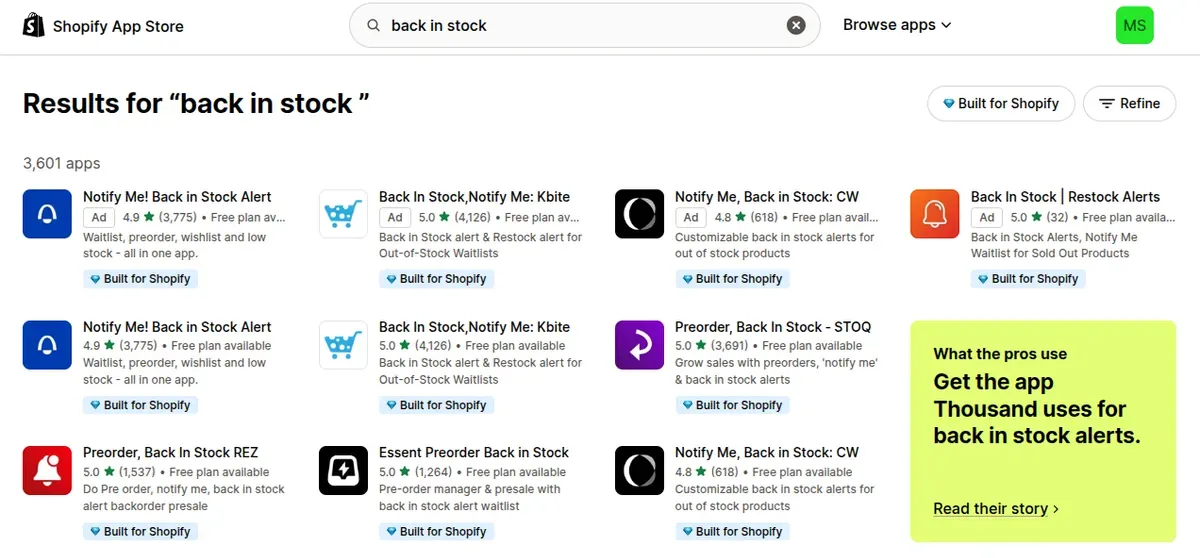
To get started, open the Shopify App Store, search for a back-in-stock app, and check its free-plan limits. Compare notification volume, supported channels, customization options, and variant tracking before installing.
How to Set Up a Shopify Back-in-Stock Notification App
A dedicated app gives Shopify stores more control over restock alerts, from the signup button to email design. Most apps follow a simple setup process, although features and settings vary by provider. Let’s check the steps to create a shopify back in stock notification system:
Step 1: Choose a Back-in-Stock Shopify App
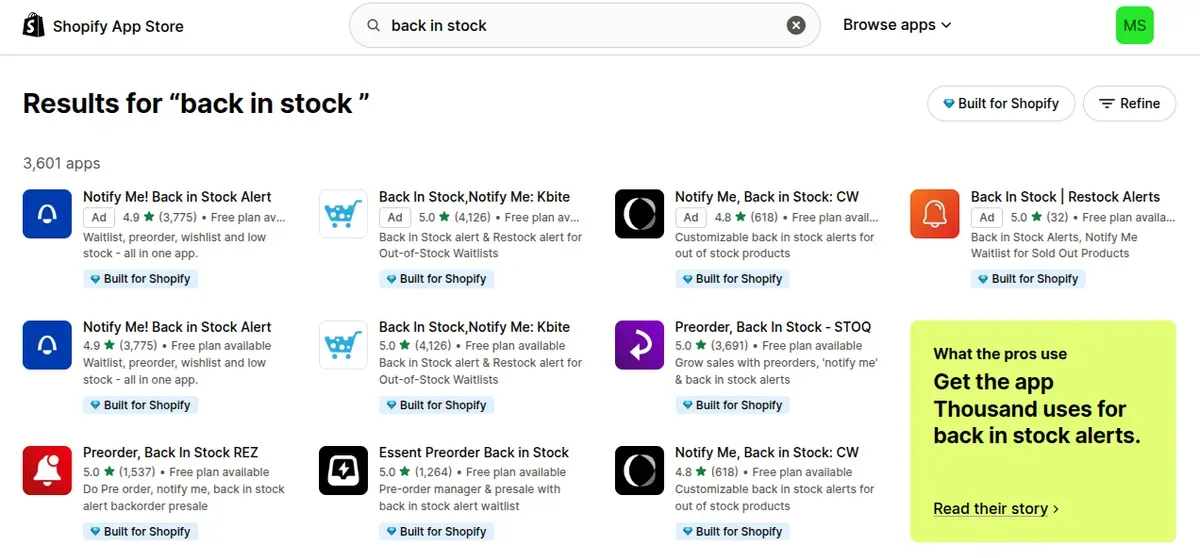
Start by comparing apps in the Shopify App Store. Look at the rating, pricing, notification channels, customization tools, and theme compatibility before making a choice.
The Shopify App Store currently lists hundreds of stock-alert apps with back-in-stock features. Some offer free plans, while others focus on advanced email, SMS, push, or WhatsApp alerts.
Check these features before installing:
Email or SMS notifications
Free plan limits
Automatic restock alerts
Product and variant tracking
Theme compatibility
Email customization
Analytics and reporting
Step 2: Install and Connect the App to Your Store
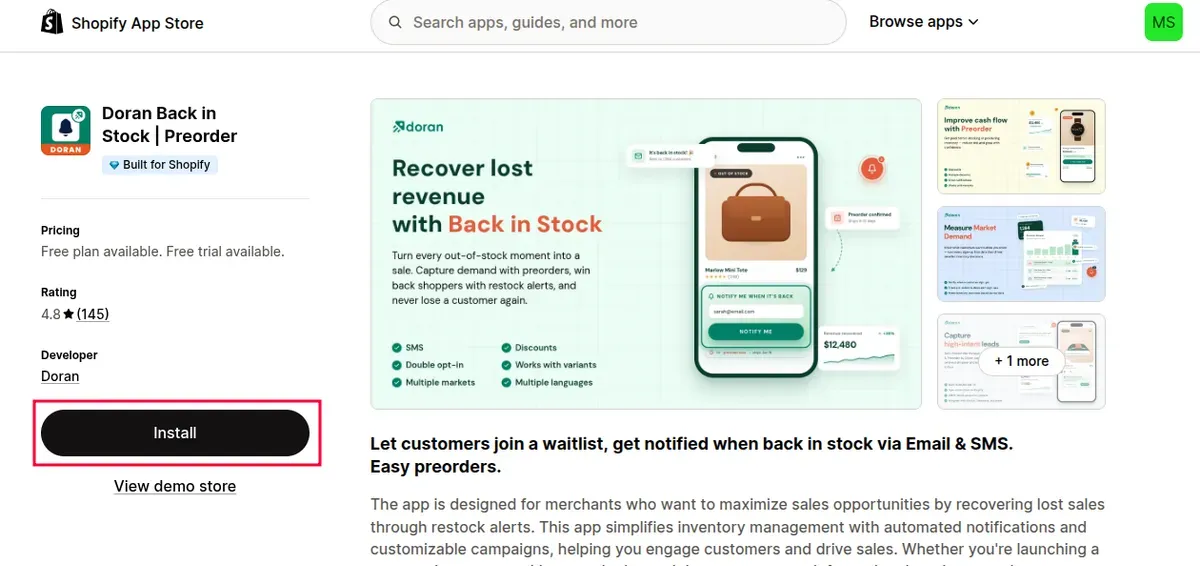
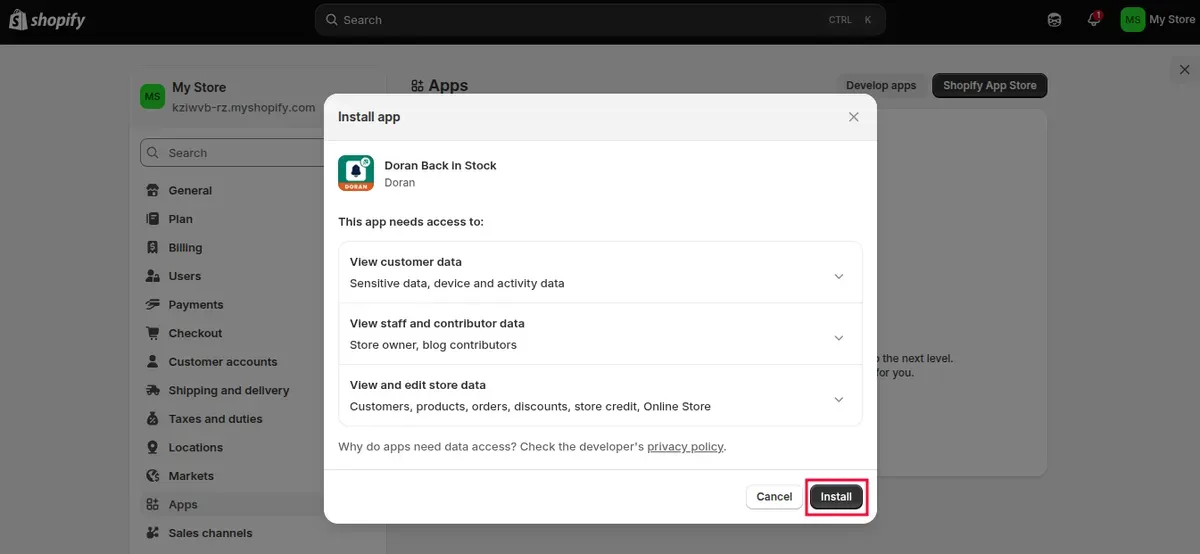
Open the app listing in the Shopify App Store and click Install. Shopify then shows the data and store permissions that the app requests, so review them before approving the installation.
After installation, open the app from Apps in Shopify admin. Follow its setup guide to connect inventory data, notification channels, and other required settings.
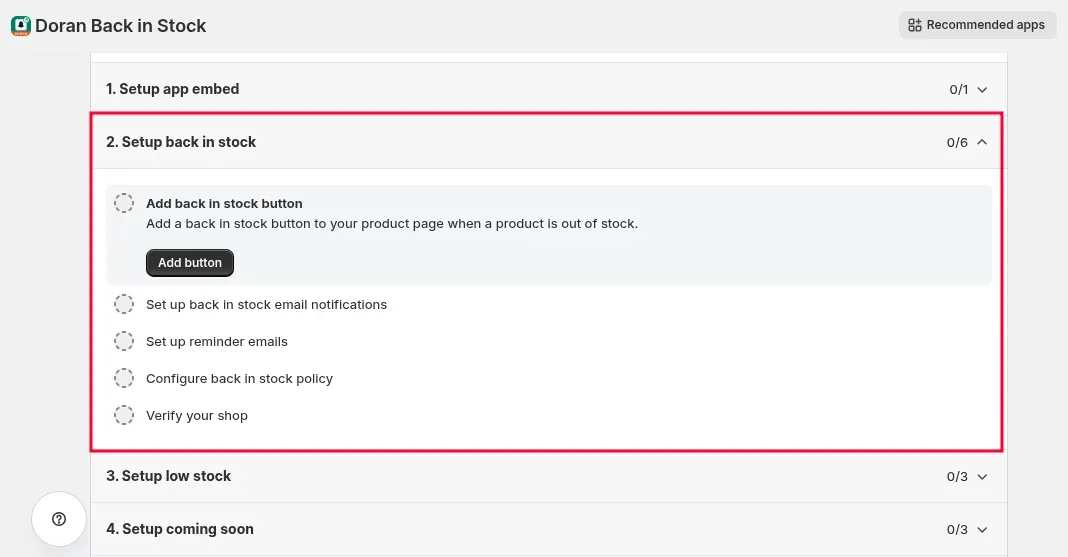
Step 3: Add a “Notify Me When Back in Stock” Button
Most back-in-stock apps add a signup button to products that have no available inventory. Depending on the app, the button may appear automatically or require activation through an app block or app embed.
For themes that support app blocks, open Online Store → Themes → Edit theme, select the relevant product template, and add the app block. Shopify also lets merchants activate app embeds through the theme editor.
Set clear button text such as “Notify Me When Back in Stock”. Keep the button close to the unavailable product option so shoppers can find it quickly.
Step 4: Customize the Notification Email
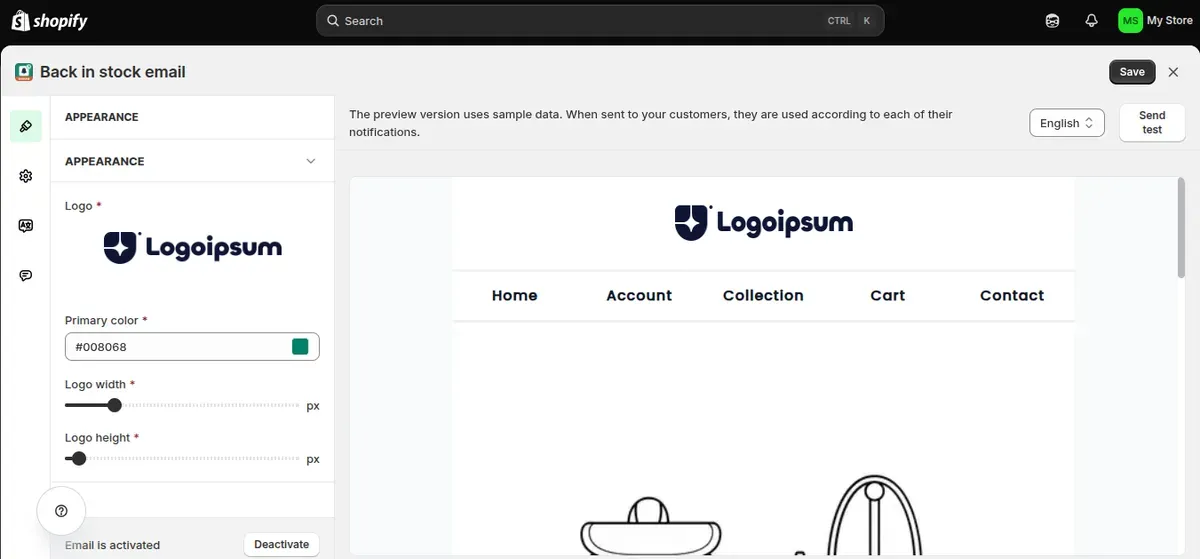
Open the app's notification settings and edit the restock email. A useful message should include the product name, product image, and a direct link back to the product page.
Keep the subject line short and clear. Add brand colors, a recognizable sender name, and a strong call to action if the app supports these options. Many current Shopify apps also support email customization and multiple notification channels.
Step 5: Test the Back-in-Stock Alert
Test the full customer journey before making the feature live. Mark a test product as out of stock, submit an alert request, restore inventory, and check the resulting notification.
Also, you should verify the product link, selected variant, email layout, button, and timing. If the app uses an app embed, preview the store after activation and save the theme changes.
Free vs. Paid Shopify Back-in-Stock Notifications: Which Should You Choose?
The right back in stock Shopify app depends on store size, notification volume, and the level of automation required. Free tools can cover basic alerts, while paid plans add advanced channels, analytics, and integrations.
Here is a practical comparison:
| Free option | Paid option | |
|---|---|---|
| Back-in-stock alerts | Basic alerts | Advanced and automated alerts |
| Email notifications | Usually included | Included with more controls |
| SMS notifications | Limited or unavailable | Available in selected apps/plans |
| Notification customization | Basic | Branding, text, templates, and more |
| Waitlists | Basic waitlists | Larger or unlimited waitlists |
| Analytics | Limited | Demand, inventory, and performance reports |
| Shopify Flow | Limited app support | More Flow and workflow options |
| Integrations | Few or none | Klaviyo, Omnisend, and other integrations |
| Best for | Small stores and testing | Growing stores and high demand |
| Cost | Free or free plan | Often starts around $9/month |
Free plans work well for stores with low notification demand. For example, Doran's free plan includes 100 back-in-stock notifications, while its Business plan costs $9/month and adds unlimited notifications, reports, integrations, and other features. Its $16/month Unlimited plan also adds back-in-stock SMS.
A paid plan makes more sense when a store needs higher limits, SMS alerts, detailed reports, or marketing integrations. Shopify's App Store currently lists hundreds of back-in-stock apps, so feature and pricing limits vary by provider.
Common Shopify Back-in-Stock Notification Mistakes to Avoid
Even a well-set-up back-in-stock system can lose sales if key settings are wrong. Avoid these common mistakes to keep alerts accurate, timely, and useful.
1. Sending Alerts for the Wrong Variant
A customer may sign up for a specific size, color, or other variant. Sending an alert when a different variant returns can create confusion and frustration. Shopify tracks inventory at the product variant level, so accurate inventory settings matter.
Solution: Test each variant before launch and make sure the Shopify sold out notification connects to the correct inventory data.
2. Showing a “Notify Me” Button Without Testing It
A notification form must capture customer details and trigger the correct alert after a restock. A broken widget or form can leave shoppers on the waitlist without receiving anything.
Solution: Submit test requests for several products and variants. Confirm that the signup, restock trigger, and notification all work correctly.
3. Ignoring Notification Limits and Channels
Free plans often limit the number of alerts or available channels. For example, some Shopify apps offer free email alerts but charge for higher volumes or SMS and WhatsApp notifications.
Solution: Check plan limits before launch and upgrade when notification volume or channel needs increase.
Best Shopify Back-in-Stock Notification Apps to Consider
The right Shopify back-in-stock notification app can recover sales and keep shoppers engaged after a product sells out. The three options below offer different features, pricing levels, and setup options for Shopify stores:
Doran Back in Stock | Preorder
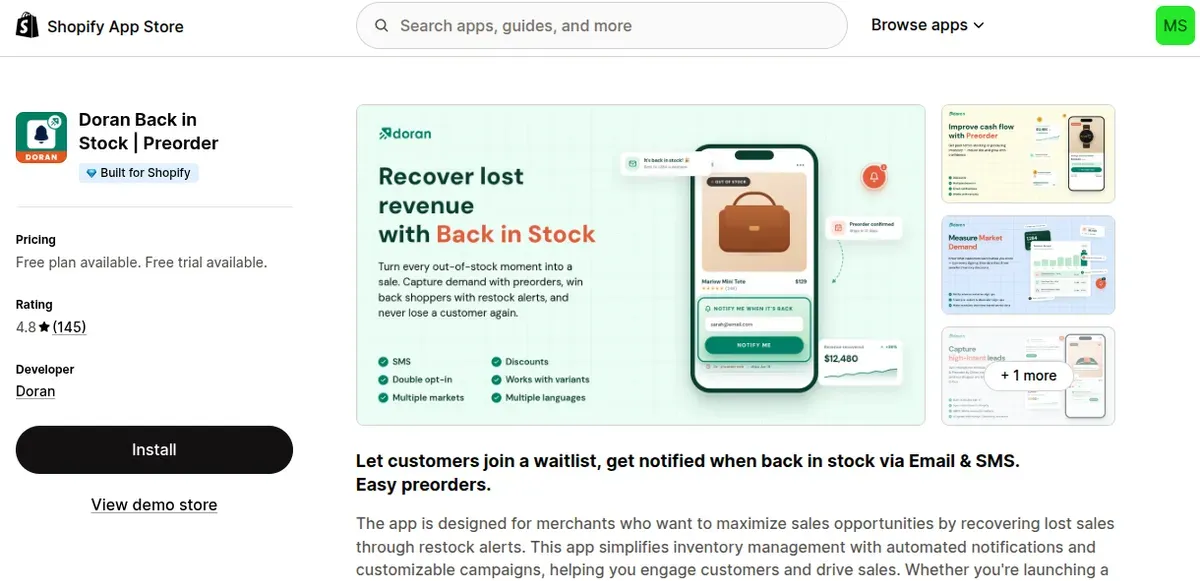
Doran Back in Stock | Preorder is an all-in-one solution for recovering sales from sold-out products. The app lets shoppers join a waitlist and automatically receive back-in-stock email or SMS alerts when their preferred products or variants become available again. Merchants can customize the Notify Me button, notification emails, branding, and product variants to match the store experience.
Beyond back-in-stock alerts, Doran supports preorders, coming-soon campaigns, low-stock reports, multiple locations, and Shopify Flow. Higher plans also add advanced features such as SMS notifications, reminder alerts, integrations, and inventory management tools.
Pricing: Free plan; paid plans start at $9/month. The $16/month Unlimited plan adds SMS alerts and other advanced features.
Review: 4.8 / 5.0
Best for: Stores that need back-in-stock alerts, preorders, waitlists, and flexible customization.
Appikon- Back In Stock
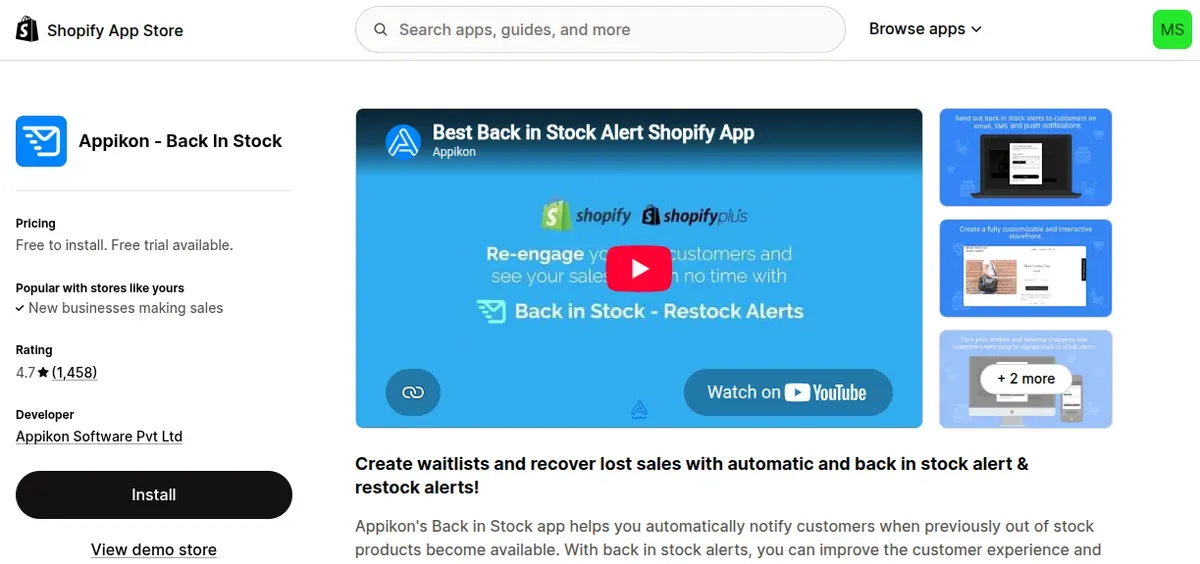
Appikon – Back In Stock focuses on automated email and SMS alerts for sold-out products. It supports customizable signup forms and notifications without coding. Merchants can also use waitlists, customer-demand reports, inventory reports, and performance tracking. Integrations include Klaviyo, Mailchimp, PushOwl, Wiser, and Zapier.
Pricing: Free to install with 10 emails/month; paid plans start at $19.99/month. Higher plans increase email limits and add features such as integrations and SMS customization.
Review: 4.8 / 5.0
Best for: Growing stores that need email, SMS, analytics, and marketing integrations.
Restock Alert & Waitlist- Mini
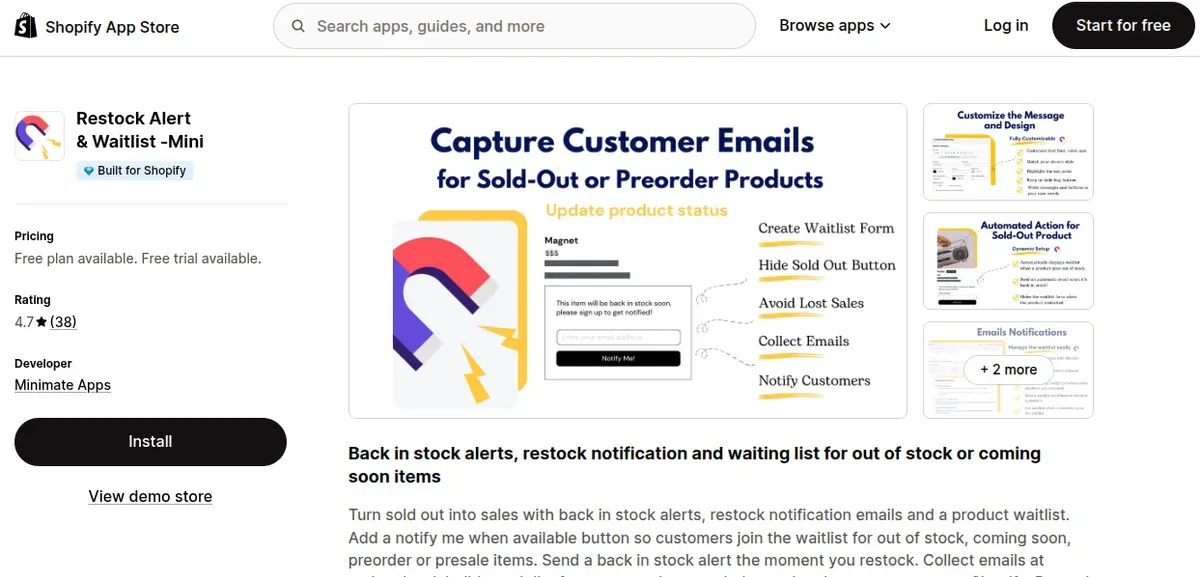
Restock Alert & Waitlist – Mini offers a simple way to collect customer emails and send automated restock alerts. It supports variant-level waitlists, customizable notification emails, and a “Notify Me” button for out-of-stock products. The free plan covers one product and up to 250 restock emails per month. The paid plan removes the email limit and adds Shopify Flow, CSV export, custom email domains, and priority support.
Pricing: Free plan; Premium starts at $8.99/month.
Review: 4.7 / 5.0
Best for: Small stores that need affordable, simple back-in-stock email alerts.
FAQs About Shopify Back-in-Stock Notifications
Are Shopify back-in-stock notification apps free?
Many Shopify back-in-stock apps offer free plans, but limits often apply to alert volume or advanced features. For example, current Shopify App Store listings include free plans with limits on monthly notifications, while paid plans add more alerts, SMS, integrations, or analytics.
Can Shopify send back-in-stock emails automatically?
Not through a standard native back-in-stock email feature. Shopify's Shop app can send customers push notifications when saved products return to stock, while email alerts typically require a dedicated back-in-stock app or integration.
Can I send SMS back-in-stock alerts on Shopify?
Yes. Several Shopify apps support SMS back-in-stock alerts, although SMS access may depend on the app and plan. The Shopify App Store currently lists hundreds of stock-alert apps with SMS features.
Can I use Shopify Flow for back-in-stock notifications?
Yes, but Flow works best with a compatible app connector for customer alerts. Shopify Flow can track inventory changes, while supported back-in-stock apps can trigger workflows when products return to stock or customers subscribe for alerts.
The Bottom Line
A Shopify back-in-stock notification helps stores reconnect with shoppers after products sell out. Shopify’s Shop app can handle basic push alerts, while dedicated apps provide more control over email, SMS, waitlists, and automation. Free options suit small stores and basic needs, while paid plans work better for higher demand and advanced features. Choose an app that matches inventory volume, notification channels, and budget, then test every alert before launch.

Hey! I'm Linda Bui. Join me as we explore tips and tutorials about Shopify apps and Shopify themes for your Shopify store.
Start Building Trust Today
Install the Product Reviews app to improve your store's credibility and boost sales with real customer reviews.
Get Started with Zero CostWhat to not miss out on our blog
Gain insightful knowledge and invaluable experiences from dedicated experts.
_1200x630.webp)
Best Shopify Wishlist Apps: Let Customers Save What They Love
Need a Shopify wishlist app for your store? Let's compare 7 leading options for 2026 and find the right mix of features, pricing, alerts, and integrations.
_1200x630.webp)
_1200x630.webp)
Newsletter
Get all the stories you need-to-know from the most powerful name in news delivered first thing every morning to your inbox