Shopify vs Clover 2026: Online or POS—Which Is Right for You?
Choosing the right commerce platform can shape daily operations and long-term growth. Is the focus on selling online, running a physical store, or managing both with ease? Shopify vs Clover is a common comparison for merchants weighing flexibility against POS strength. Each platform brings different tools, costs, and use cases to the table. Read on to explore the comparison and make a confident choice!
Shopify vs Clover: An Overview
Overview of Shopify
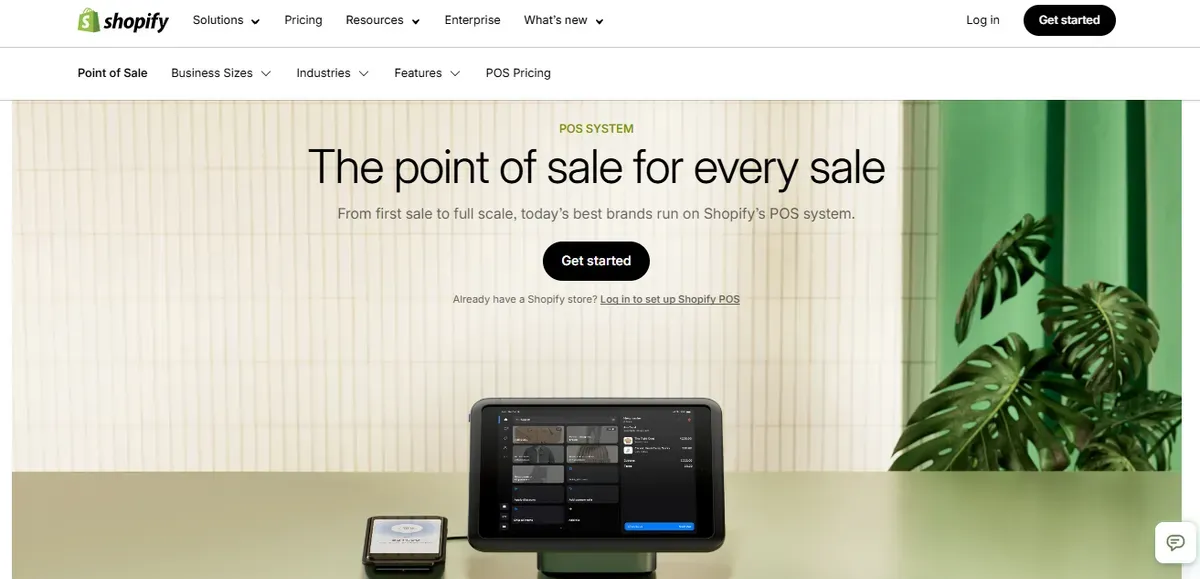
Shopify is a leading commerce platform built to support online storefronts and in-person sales from one place. It gives businesses the tools to build a custom website, manage products, process payments, and track orders. Shopify also supports selling on social media and marketplaces, making it a strong choice for merchants focused on online channels.
Shopify’s strengths include flexibility and scalability. It fits small startups and large brands with features like SEO tools, analytics, marketing apps, and inventory tracking. The platform also lets merchants unify sales channels into one dashboard, so online and offline data sync automatically.
Shopify key features include:
E-commerce store builder with templates and design tools
Built-in payment processing and secure checkout
Centralized inventory for online and in-store sales
Extensive app marketplace for extra functions
Advanced analytics and sales reporting
Overview of Clover
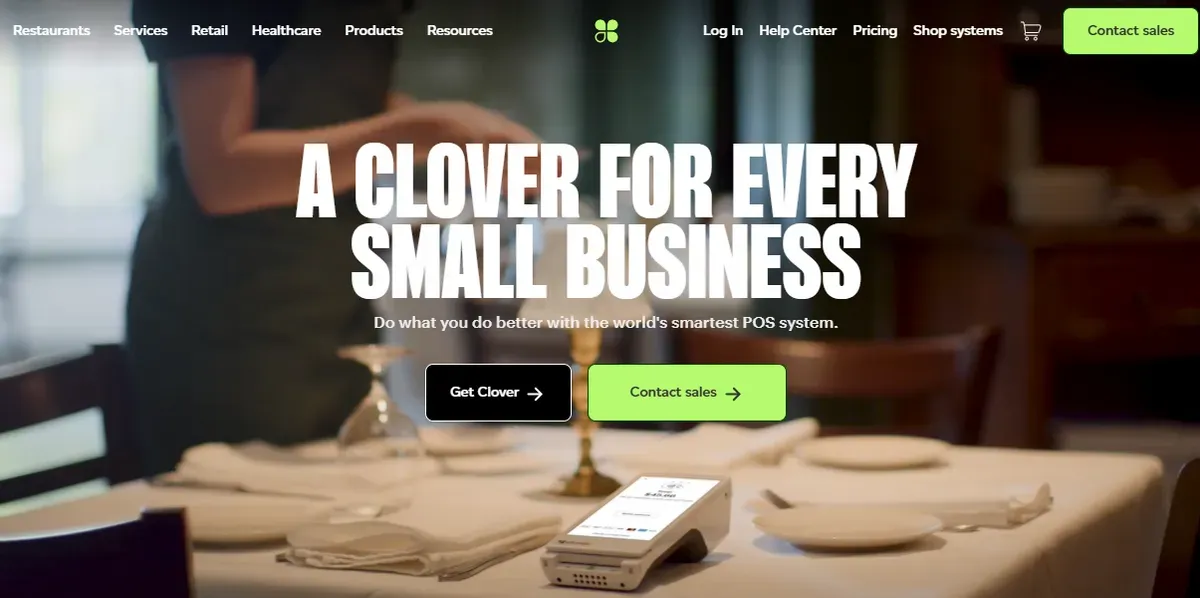
Clover is an all-in-one point-of-sale (POS) system designed for physical stores, restaurants, and service businesses. It combines hardware terminals with POS software to handle payments, employee management, and sales reporting. Clover’s cloud-based system lets businesses track daily activities from anywhere.
Clover excels in in-person checkout and small business operations. It supports inventory tracking, customer engagement tools like loyalty programs, and online ordering options through its platform. Clover also offers various hardware setups, from countertop stations to handheld devices.
Clover key features include:
Integrated POS hardware and payment processing
Inventory and customer management
Sales reporting and employee controls
Support for online orders and curbside pickup
Loyalty and gift card tools to boost repeat business
Shopify vs Clover: Key Feature Comparison
Here are the most important differences between Clover vs Shopify you should consider before investing:
| Feature | Shopify | Clover |
|---|---|---|
| Pricing Model | Simple tiered plans. POS Pro added per location. Predictable scaling. | Industry-based plans. Pricing varies by business type and hardware. |
| Ease of Use | Clean dashboard. Strong online + POS sync. Best for hybrid selling. | Very intuitive for in-store checkout. Setup varies by hardware. |
| Inventory Management | Real-time sync across online and POS. Strong multi-location control. | Solid basics. Advanced inventory costs more at higher tiers. |
| Payments & Processing | Competitive rates with Shopify Payments. Unified reporting. | Strong in-store processing. Higher online rates. Fees vary by plan. |
| Reporting & Insights | Built-in analytics plus advanced reporting tools. | Basic reports included. Advanced insights need extra apps. |
| App Ecosystem | Massive app store. Strong ecommerce and omnichannel tools. | Smaller app market. Covers core retail and service needs. |
| Support | 24/7 chat, phone, email, guides, and community. | Support depends on reseller or provider. Less centralized. |
| Best For | Businesses selling online and in-store together at scale. | Physical stores, restaurants, and service-based businesses. |
Pricing
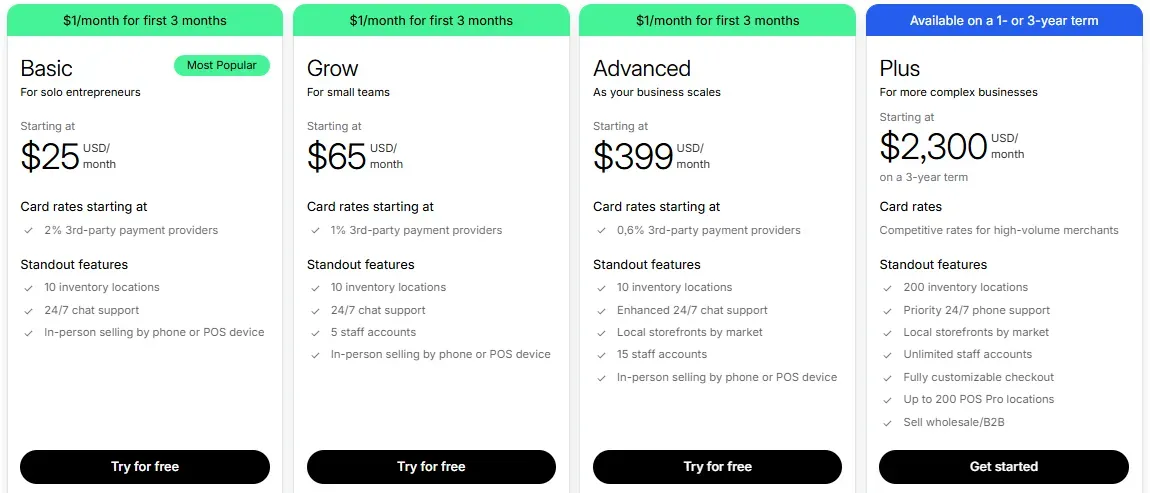
Pricing affects the total cost of ownership and long-term budget planning. Shopify vs Clover take very different approaches. Shopify’s pricing is tied to e-commerce and POS subscriptions, while Clover’s pricing varies by business type and feature level.
Shopify
| Plan | Monthly Cost (USD) | Notes |
|---|---|---|
| Starter | $5 | Basic selling, limited features |
| Basic | $25 | Full online store + POS Lite |
| Grow | $65 | Lower transaction fees, more features |
| Advanced | $399 | Advanced analytics, reporting |
| Shopify Plus | From ~$2,300 | Enterprise-level, custom |
Note: Shopify requires a base plan before adding POS Pro ($89/mo per location).
Clover
| Business Type | Starter | Standard | Advanced |
|---|---|---|---|
| Full-Service Dining | $179 | $239 | $354 |
| Quick-Service Restaurant | $105 | $155 | $215 |
| Retail Shops | $16 | $180 | $240 |
| Professional Services | $14.95 | $125 | $174 |
| Personal Services | $16 | $130 | $180 |
| Home & Field Services | $14.95 | $199* | $125 |
Final verdict: In the Shopify vs Clover comparison, Shopify’s pricing is simpler across base plans but adds POS Pro for advanced retail features. Clover’s pricing is more segmented by business type and hardware included. For businesses with unique industry needs, Clover may offer tailored value. For unified online + offline selling, Shopify’s pricing can scale more predictably.
Ease of Use
Shopify
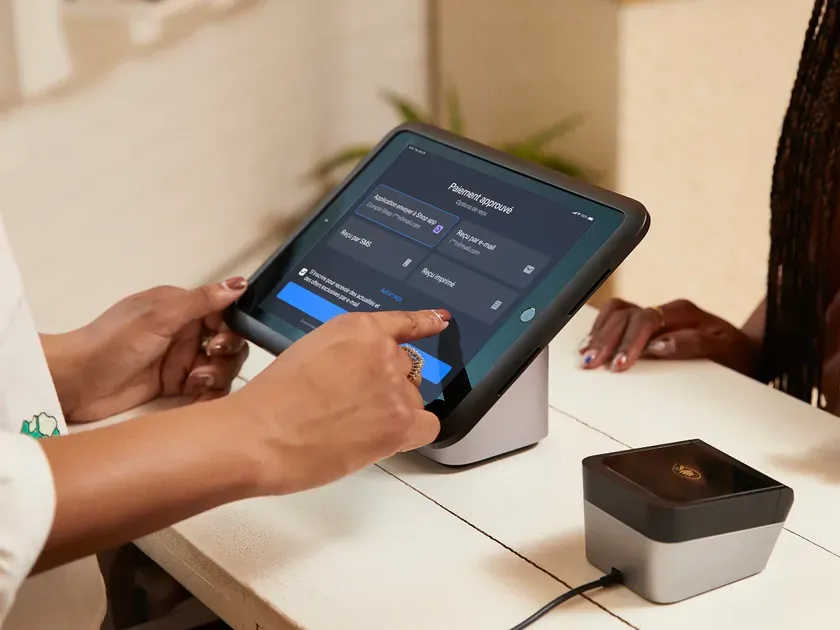
Ease of use impacts setup time and staff training costs. Shopify focuses on usability for both online and in-person sales. The dashboard looks clean, and many tasks are accessible from a unified interface. The POS app syncs quickly with the online store, which reduces manual work.
Clover
Clover emphasizes simplicity at checkout and in daily operations. The interface on hardware terminals is intuitive for in-store staff. Many features are built into the POS system, such as customer management and basic reporting. However, initial configuration can vary because of hardware choices and industry plans.
Final verdict: Shopify’s interface tends to be cleaner for online and hybrid sellers. Clover shines in straightforward in-store tasks. For omni-channel selling, Shopify may feel more seamless. For quick, in-store operations, Clover feels familiar to many retailers.
Inventory Management

Shopify
Inventory management helps track stock levels, avoid overselling, and plan reorder cycles. Shopify syncs inventory across online and POS channels in real time. Merchants can track stock counts, view low-stock alerts, and manage products with variants and bulk edits. This unified inventory system simplifies multi-location selling and reporting.
Clover
Clover also supports inventory tracking, but tier levels matter. Basic plans include essential tracking and sales data, but advanced inventory features, like detailed stock reports or multi-location sync, often require higher-tier plans. Clover’s focus stays more on checkout and day-to-day sales.
Final verdict: Shopify’s unified system excels for merchants who sell online and offline together. Clover offers solid basics, but deeper inventory control usually costs more.
Payments and Processing
Shopify
Payment acceptance and processing fees influence profitability. Shopify Payments supports credit card payments online and in-store at standard rates that vary by plan. Lower-tier plans have higher percentage fees, while Advanced and Plus reduce per-transaction costs. Shopify also supports third-party processors, but adds a fee unless using Shopify Payments.
Clover
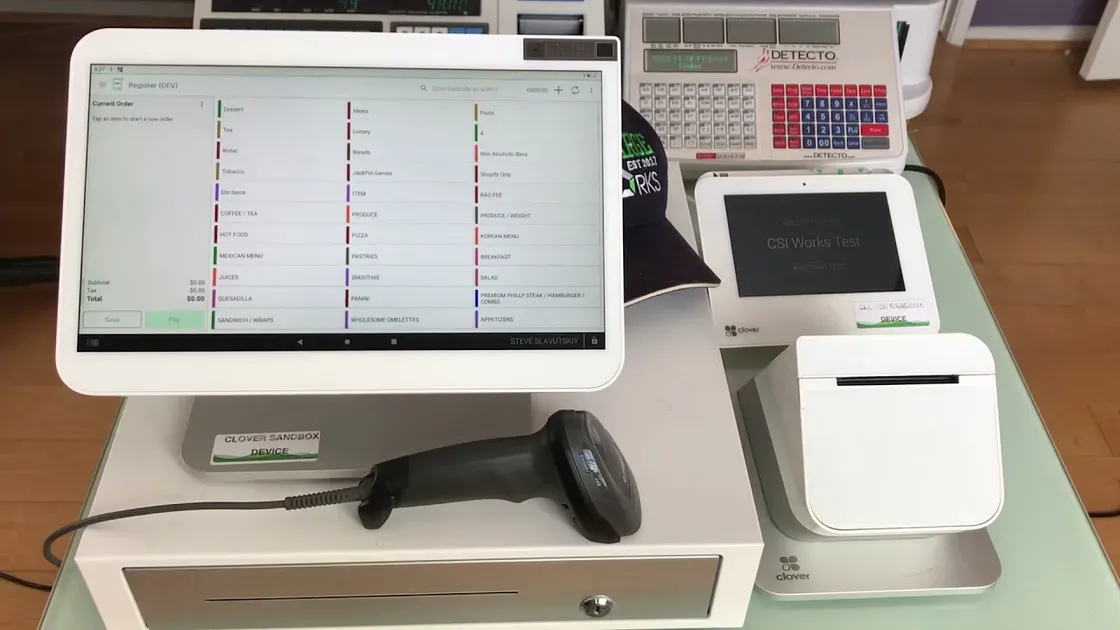
Clover’s processing fees depend on the plan. In-person swipe/tap rates typically start at around 2.3–2.6% plus $0.10 per transaction. Online or keyed-in payments usually carry higher rates. Clover’s hardware usually includes built-in processing options, with fees bundled into plans, but external processor options are possible.
Final verdict: Shopify offers competitive rates when using Shopify Payments and gives unified reporting across channels. Clover’s built-in processing is strong for in-store sales, but online payment rates are higher, and costs vary by industry plan.
Reporting and Insights
Shopify
Shopify offers built-in analytics for sales, traffic, customer behavior, and product performance. Merchants can view key metrics in the Shopify dashboard or extend insights with advanced reporting tools like Zoho Analytics. These tools deliver visual dashboards, trends, and forecasts that inform sales strategies. Shopify’s data helps make decisions faster and with more clarity.
Clover
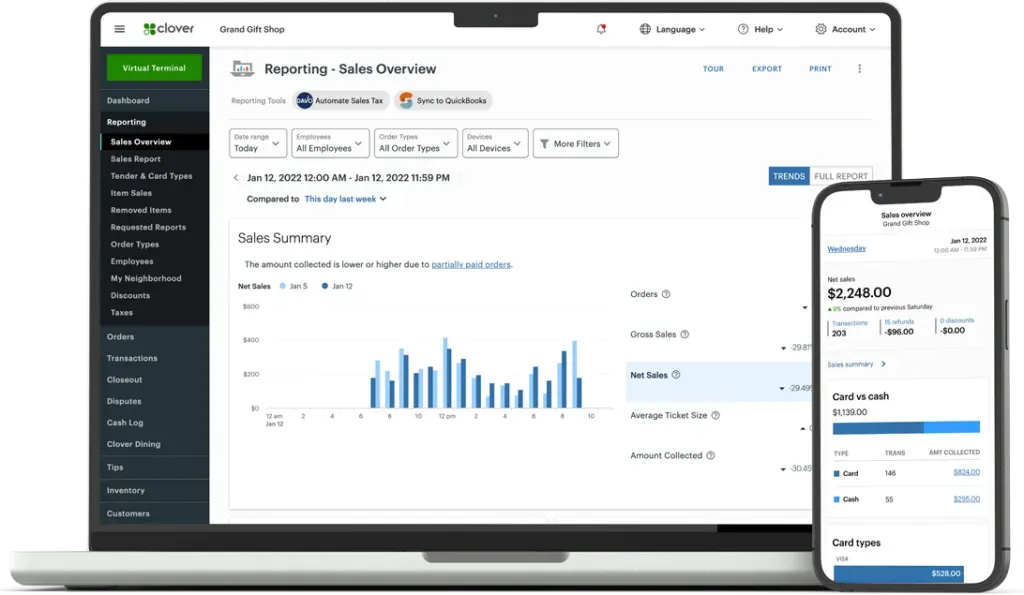
Clover’s base reporting includes basic sales totals and payment summaries through its dashboard. Deeper analysis often requires third-party reporting apps from the Clover App Market, like BusinessQ Analytics. These provide multi-location dashboards, pivot views, and detailed export options. Clover’s reporting depth depends on the added apps and the plan level.
Final verdict: Shopify’s integrated analytics and ecosystem of advanced reporting tools deliver richer insights for online and multi-channel sellers. Clover can support detailed reporting, but merchants typically need extra apps for full business intelligence.
App Ecosystem and Integrations
Shopify
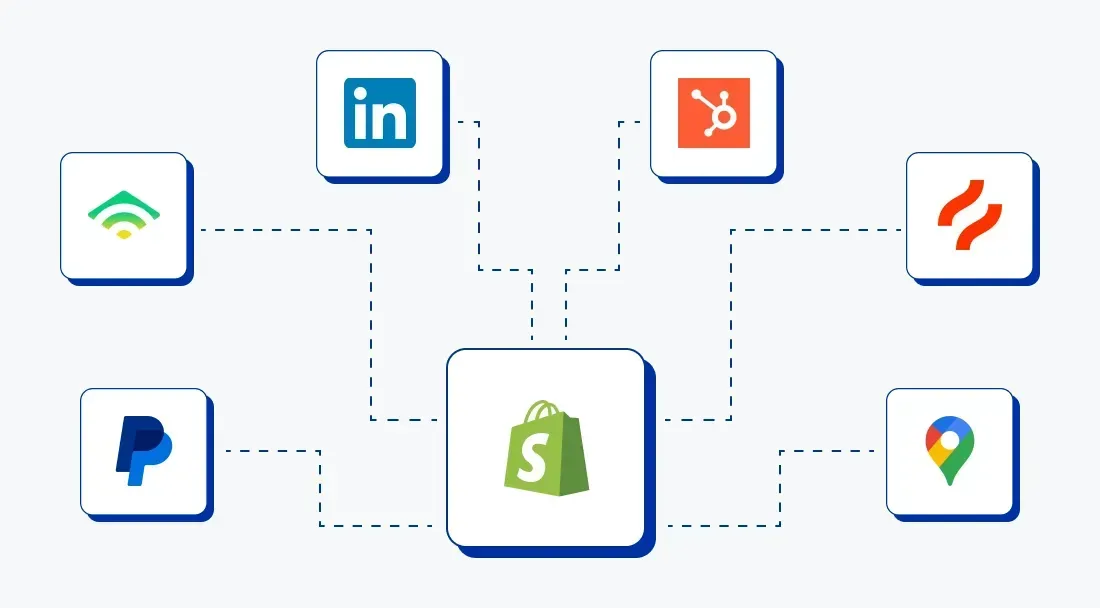
Shopify has one of the largest app ecosystems in commerce, with thousands of apps that enhance marketing, fulfillment, CRM, and analytics. These integrations expand the core platform with tools for SEO, sales channels, tagging, and automation. Diverse plugins can connect Shopify to accounting, email platforms, and supply chain systems. The breadth of apps makes Shopify adaptable for scaling businesses.
Clover
Clover supports integrations through its App Market and custom development partners. Merchants can add tools for accounting, inventory, scheduling, and customer engagement. Clover also allows API-based integrations with external systems, like ERP or CRM software. Some integrations link Clover with Shopify or other e-commerce platforms for shared data and online/offline sync.
Final verdict: Shopify’s app ecosystem is broader and more focused on online and omni-channel growth. Clover’s ecosystem covers essential retail and restaurant needs, but is narrower and sometimes harder to expand without custom work.
Support

Shopify
In this Shopify vs Clover comparison, Shopify offers 24/7 customer support across chat, email, and phone. It also provides an extensive knowledge base, community forums, video guides, and step-by-step documentation. This centralized support structure makes it easier to get help with sales, POS tools, inventory, or analytics.
Clover
Clover’s support varies based on how the system was purchased. Many users get help through a reseller or bank partner rather than directly from Clover. This can lead to inconsistent response times or mixed technical expertise. Clover does offer phone and email support, but it does not have as large a self-help library as Shopify.
Final verdict: In this side-by-side look at Shopify vs Clover, Shopify’s support system is broader and more consistent for most business needs. Clover’s support can work well, but it depends on the provider.
Pros & Cons: Shopify vs Clover
Before deciding, it helps to weigh the strengths and limits of Shopify vs Clover:
Shopify
Pros
Strong omnichannel platform that links online store and in-person sales with ease.
Large app ecosystem adds marketing, fulfillment, and reporting tools.
Advanced inventory sync keeps stock levels unified across all channels. Sellers balancing brand control and reach may want to compare the main marketplace trade-offs here.
Scalable for small businesses up through larger operations with robust analytics.
Cons
Premium features like advanced POS reports or larger staff accounts raise the monthly cost.
Some merchants find Shopify’s POS setup or workflows complex at first.
Transaction fees apply if not using Shopify Payments.
Clover
Pros
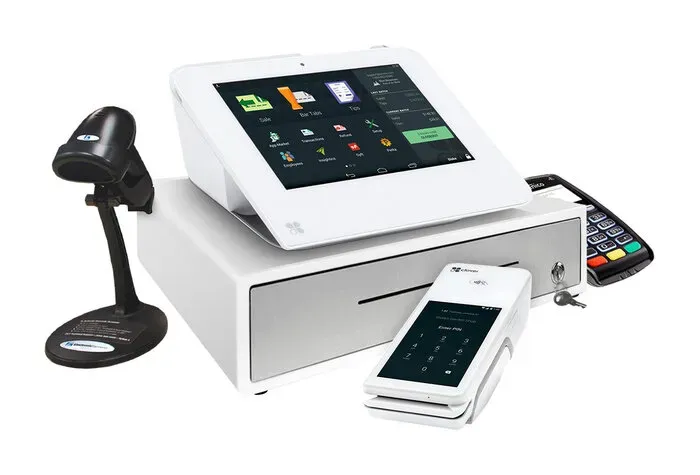
Flexible hardware options, from handheld devices to full POS stations.
Built-in POS features include inventory, staff management, and basic reporting.
Works with many third-party payment processors.
Suits service-oriented businesses like salons, cafes, and quick-service shops.
Cons
E-commerce features are limited without third-party tools.
Clover’s pricing structure varies by reseller and hardware choice.
Reporting depth and custom analytics are weaker than some competitors.
Online payment fees can be higher than some alternatives.
Use Case Scenarios: When to Choose Shopify vs Clover?
Shopify fits best for sellers who plan to grow online and in physical stores with one unified platform. It shines when inventory, sales, and customer data must stay synced across channels, and reporting drives smarter decisions. Shopify also works well for brands that need a strong e-commerce presence with seamless local pickup and online order handling.
Clover makes sense mostly for in-person businesses with simple online needs. It suits shops and restaurants that want a solid POS with hardware options and basic reporting, but do not rely heavily on e-commerce. Clover’s more focused in-store tools can work for service providers and small physical stores with limited online growth plans.
Shopify vs Clover: Which Is Better for Your Business?
Choosing between Shopify vs Clover comes down to your sales focus and growth plans. Shopify works best for businesses that want strong online sales plus an in-store point of sale with one system. It combines e-commerce, inventory sync, analytics, and apps in one dashboard, helping retailers expand online and offline smoothly.
Clover may be a better match if physical store sales are the core focus. It offers flexible hardware and easy setup for in-person checkout at varying price points. Clover also supports service businesses and basic POS operations well.
FAQs about Shopify vs Clover
What’s the main difference between Shopify and Clover?
Shopify focuses on e-commerce with built-in POS for in-store sales. Clover centers on in-person POS with limited native ecommerce tools.
Can Shopify and Clover work together?
Shopify vs Clover do not integrate directly. Some third-party connectors exist, but they add cost and complexity.
What hardware does each platform support?
Shopify supports its own POS hardware and selected third-party devices. Clover uses proprietary terminals like Clover Mini, Flex, and Station.
Can I use Shopify Payments with Clover?
No. Shopify Payments only works inside the Shopify system. Clover requires Fiserv or approved merchant processors.
Which platform is better for retail vs restaurant business?
When compared Shopify vs Clover, Shopify fits retail brands with online and in-store sales. Clover suits restaurants and service businesses that rely on in-person orders.
The Bottom Line
In the Shopify vs Clover comparison, each platform serves a clear purpose. Shopify stands out for businesses that prioritize online sales, unified inventory, and long-term growth across channels. Clover focuses on fast, reliable in-store transactions with flexible hardware and industry-specific tools. The best choice depends on sales strategy, budget structure, and growth goals. Review daily needs, future plans, and feature priorities to select the platform that supports business success with confidence.

Hey! I'm Linda Bui. Join me as we explore tips and tutorials about Shopify apps and Shopify themes for your Shopify store.
Start Building Trust Today
Install the Product Reviews app to improve your store's credibility and boost sales with real customer reviews.
Get Started with Zero CostWhat to not miss out on our blog
Gain insightful knowledge and invaluable experiences from dedicated experts.
_1200x630.webp)
What Is Shopify Collabs? How It Works and How Brands Use It in 2026
Discover what is Shopify Collabs, how it automates affiliate tracking, and how to use it to scale influencer marketing from your dashboard. Read right now!
_1200x630.webp)
_1200x630.webp)
Newsletter
Get all the stories you need-to-know from the most powerful name in news delivered first thing every morning to your inbox